index

cpp-toolbox (documentation)

A collection of repositories which use each other to build up more complex programs.


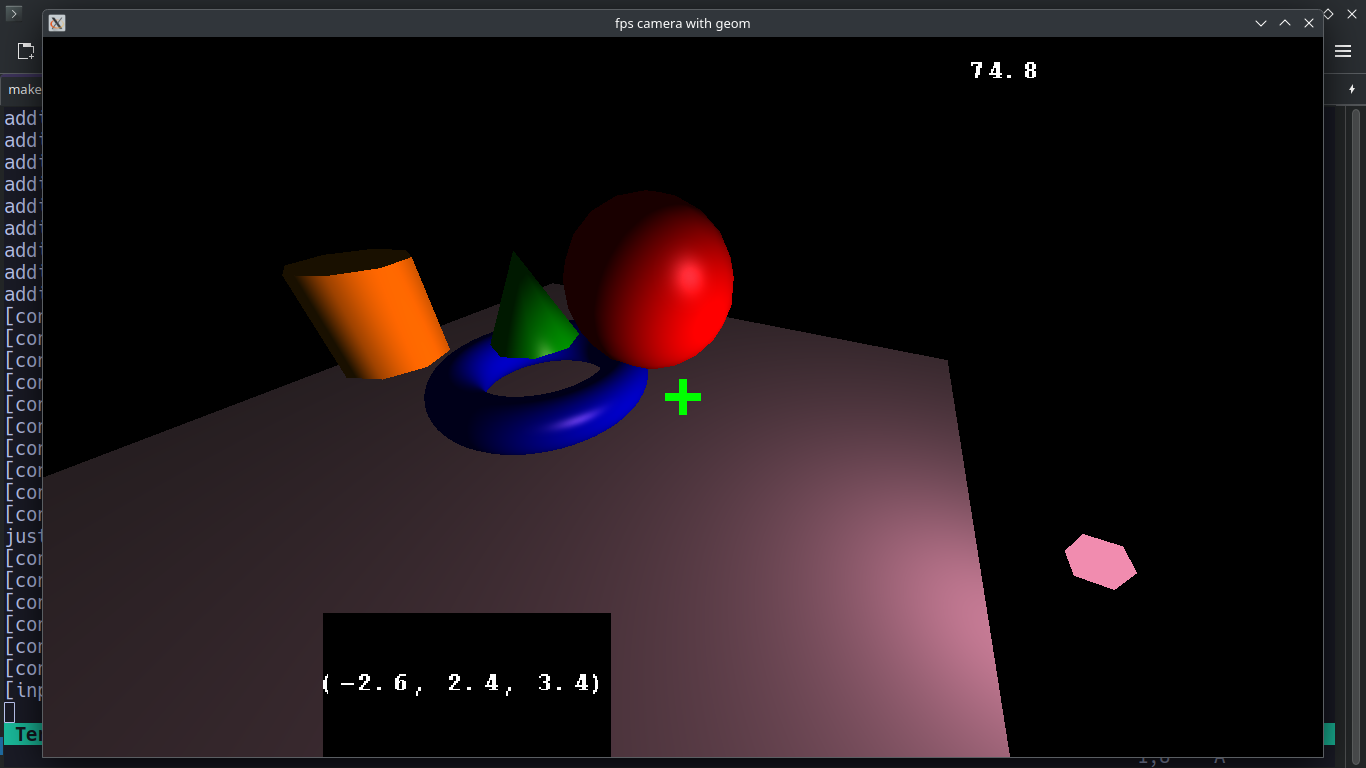
deferred lighting (using submodule vertex geometry, no obj files required)

particle systems, posiitonal sound, catmull rom spline interpolation and skeletal animation

scripted events allow for timescale changes

realtime multiplayer gamplay from frag-z using tbx-engine

Note: This website uses fsweb, use shift-space to search.

For a quick overview of what this is read below, for a more in-depth introduction please check out the guide.
Details

  • Most of the content will be tailored for game development so there will be examples of sound, physics, etc.
  • The code should run on Windows, Mac, and Linux
  • Anyone is welcome to contribute, but it's best to join the Discord server first to chat about what changes you are looking to make. Feel free to join if you're having trouble with anything.

NOTE: Before you do anything else, read this article to understand why the structure is the way that it is.

articles

Games

Programs

Minimal Working Examples

fundamentals

lighting

font and text rendering

performant rendering infrastructure

effects

ui

sound

physics

networking

subsystem synchronization

Sub Projects

Anything denoted by SUBPROJECT is a repository of files which probably will not work on its own, but is to be used in a larger application. We rely on these subprojects to isolate the functionality of a specific thing that can be re-used elsewhere.

Developing

Preliminary Setup

Pretty much all of the code is written in c++ so in order to get setup you need to have a working c++ compilers, additionally we use conan for managing packages, so you'll need that as well. If that's something you're not already comfortable with then consult these documents

Setting up a Project

The projects in this repo should do one thing well, and only do that. Try not to have multiple goals when creating new projects in this organization.

All projects use submodules to facilitate the integration of subprojects. Subprojects need to be set up to link to each other using sbpt. For managing external libraries, we use conan, so install it on your system and follow their docs for preliminary setup on how to generate a profile before you run any conan commands.

First, cd into the root of the project, then:

        # clone the project with all the submodules 
        git clone --recurse-submodules -j8 GITHUB_SSH_LINK_HERE  
        cd JUST_CLONED_DIR

        # generate dynamic includes to linked subprojects
        python scripts/sbpt/main.py src

        # if using graphical systems
        python scripts/setup/graphics_systems.py

        # install required packages
        conan install . --build=missing

        # generate build system and then build, if you are on windows in the first command change release to default
        cmake --preset conan-release 
        cmake --build --preset conan-release
        
        # now run the executable
        ./build/Release/EXECUTABLE_NAME
    

From there, run the executable. Note that if you try running the executable from anywhere else, it will probably fail because it depends on paths of resources being relative to this folder, which may be fixed in the future.

If you are looking to develop existing code, note that we use a consistent style guide to keep things organized. We use clang-format for this. To populate the project with the correct settings, go to the root of the project and do:

        cd clang_formatting
        ./create_symlinks.sh
    

Infrastructure

We've built up many small scripts which make working within this ecosystem a lot nicer, most of these scripts are written in python

Roadmap

ongoing development

  • a system which will cull objects (such as lights) so they don't get added to the draw call
  • scripted event system
  • animation management system

upcoming development

  • a networked mouth smoothing system client server different frequencies
  • a model loading application with a file browser
  • a networked mouse smoothing system
  • text editor (with multi-user support)
  • multi-user (online networked) modelling software

edit this page